

How I Read Code Faster Than I Used To

How I Read Code Faster Than I Used To
Nobody warns you about this when you're learning to program: you will spend far more of your career reading code than writing it. Code you didn't write. Code written by someone who has left the company. Code written by a past version of you who left no explanation.
For years I read code badly. I started at line one and trudged downward like it was a novel, holding every detail in my head until it overflowed and I had to start again.
Then I learned to read code the way experienced engineers actually do — and the same unfamiliar file that used to take an hour now takes ten minutes. Here's the shift.
Quick Answer
You read code faster by stopping reading it like prose. Don't go line by line. Form a question, scan top-down for structure, follow one path of execution at a time, and aggressively skip everything that isn't relevant to your question. Reading code is hunting, not consuming.
The short version:
- Always read with a specific question. No question, no reading.
- Get the shape first — files, names, signatures — before any details.
- Follow one thread of execution; ignore everything else.
Stop reading code like a book
The first mistake is treating a codebase like a story with a beginning, middle, and end. It isn't. It's a web. There's no "page one." Starting at the top of a file and reading down is the slowest possible path through it.
A book is meant to be read linearly, every word, in order. Code is meant to be navigated — you jump, you skip, you follow references, you ignore the ninety percent that doesn't concern you right now.
The mental shift that unlocked everything for me: I'm not here to understand this file. I'm here to answer one question. Reading code without a question is just scrolling.
So before I open anything, I name the question out loud. "Where does the price get calculated?" "Why does this request fail when the user is logged out?" "What happens after the form submits?" The question is a filter. It tells me what to read and, far more importantly, what to skip. This question-first habit is one of the quiet skills behind the brutal truth about becoming a senior developer: seniors don't read faster because they're smarter, they read faster because they read with intent.
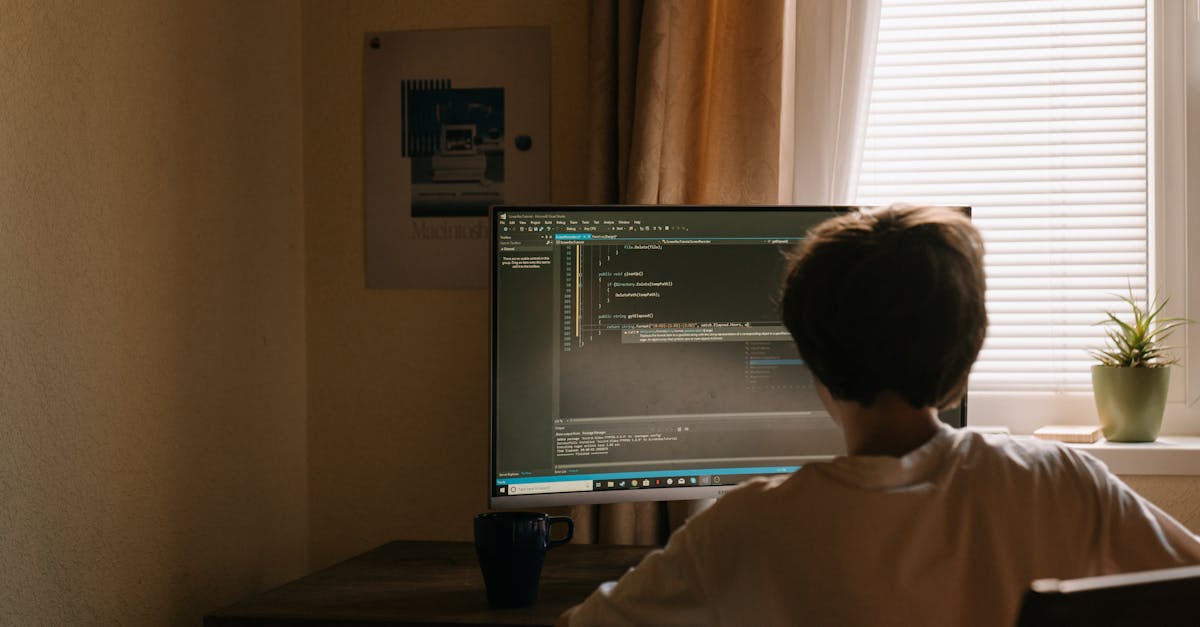
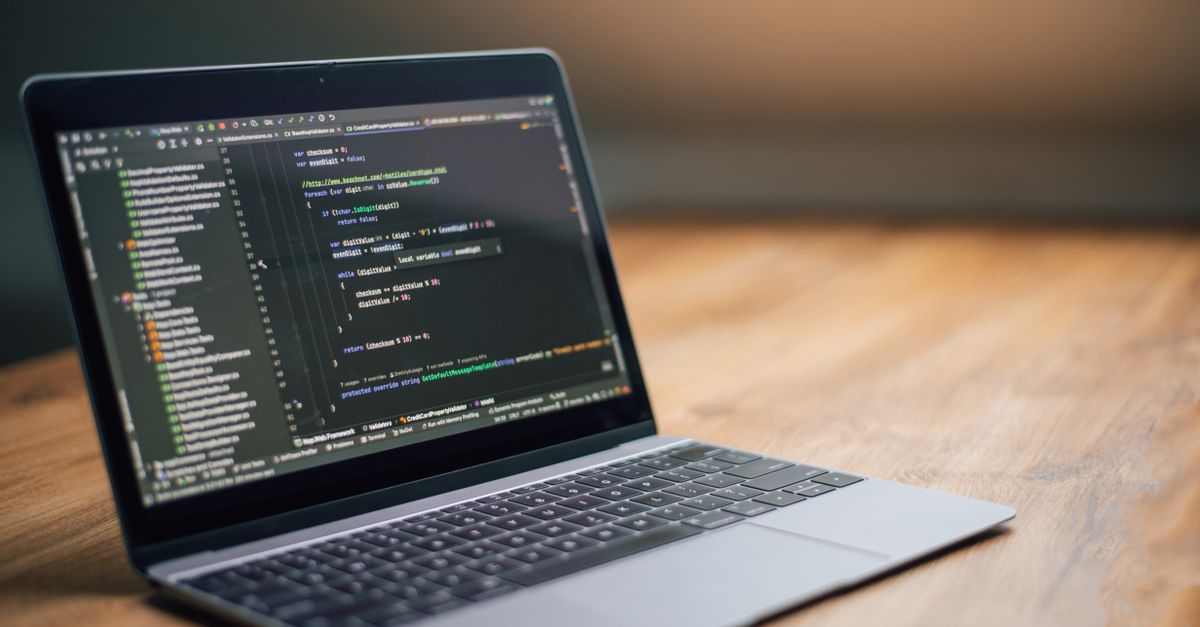 Photo by Daniil Komov on Pexels
Read in passes, zoomed out to zoomed in
I read any unfamiliar code in layers, never trying to understand everything at once. Each pass goes one level deeper.
- The map pass. What files and folders exist? What are they named? This alone tells you the system's mental model before you read a single line of logic.
- The signature pass. Inside the relevant files, read only the function and type names, the inputs and outputs. Skip every body. You're learning the vocabulary and the shape.
- The path pass. Pick one realistic scenario — a single user action — and trace it through the code, function by function, ignoring all the branches you don't need.
- The detail pass. Only now, on the few functions that actually matter to your question, do you read line by line.
Most people start at pass four and drown. The earlier passes are cheap and fast, and they build the scaffolding that makes the detail pass make sense. By the time I'm reading individual lines, I already know where I am and why I'm there.
Skipping the zoomed-out passes is like trying to understand a city by examining one brick at a time.
Names and types are free documentation
Here's something I undervalued for years: in well-written code, you can understand a huge amount without reading any logic at all.
A good function name tells you what it does. A good type tells you what flows in and out. A good file name tells you what lives inside. Read those first and you've absorbed half the meaning at a tenth of the effort.
| What I read | What it tells me | Effort |
|---|---|---|
| Folder / file names | The system's structure | Tiny |
| Function & type names | What each piece does | Small |
| Function signatures | The data flow | Small |
| Function bodies | How it's actually done | Large |
I now spend most of my reading time in the top three rows and visit the bottom one only when forced. In a clean codebase, the names and signatures answer most questions before I open a single function body.
This is also why naming matters so much when you write code. You're not naming for the compiler. You're writing the documentation that lets the next reader — possibly future you — skip the slow part entirely. I make this case at length in why naming things is the hardest part of coding: good names are free documentation, and reading speed is what they buy you.
Run it, don't just stare at it
A purely static read — eyes on screen, nothing executing — is the hardest mode and I avoid it when I can.
If I can run the code, I do. A debugger that lets me pause and watch the values move is worth a thousand careful re-reads. Setting a breakpoint and stepping through one real execution teaches me more in five minutes than an hour of staring at the same functions imagining what they do.
You can read a recipe all day. You learn far more from watching one dish actually get cooked.
Cheap tactics that turn static reading into live reading:
- Add a log line and trigger the path. Seeing the real values flow through beats guessing every time.
- Set a breakpoint at your question's location and walk backward. Where did this value come from? Step out, up the call stack, until it makes sense.
- Write a tiny throwaway test that calls the confusing function. You control the inputs and watch the outputs directly, with no surrounding noise.
Modern developer tools make this almost effortless — inline debuggers, step-through execution, AI assistants that summarize what a dense function does in plain English. I lean on all of them. The browser's own developer tooling guides on web.dev are a good reminder of how much you can learn just by stepping through a live execution. Asking an AI "explain what this function does and why" before I read it gives me a hypothesis to confirm, and reading-to-confirm is far faster than reading-to-discover.
 Photo by Pixabay on Pexels
What changed when I got faster at this
Reading faster wasn't just a time saving. It quietly changed how I work.
I stopped being afraid of large, unfamiliar codebases — they're just maps now, and I know how to read a map. I got better at code review, because reviewing is reading with a question. And, unexpectedly, my own writing improved. Once you've struggled through enough badly-named, tangled code, you become almost allergic to inflicting it on the next person.
The whole loop tightens. Reading well makes you write well makes the next read easier.
The questions I ask while reading
Over time I noticed I wasn't really reading code so much as interrogating it. Good code reading is a sequence of sharp questions, and the questions are more important than any technique. These are the ones I lean on:
- "What's the entry point for this behavior?" Before tracing anything, I find where the path I care about begins — the route handler, the event, the button click. Everything makes more sense downstream of a clear starting point.
- "What can I ignore?" This is the question that saves the most time. For any given question, most of the file is irrelevant. Naming what I don't need to read is half the speed.
- "Where does this value come from, and where does it go?" When a specific piece of data confuses me, I trace it backward to its origin and forward to its use. Data flow untangles logic faster than reading logic line by line.
- "What is this trying to protect against?" Strange-looking code is usually defending against something — a real bug, an edge case, a failure mode. Asking what it's guarding turns nonsense into intent.
Notice that none of these are about syntax. They're about intent and flow. A reader who chases intent moves through a codebase like someone who knows the building; a reader who decodes syntax line by line is feeling the walls in the dark.
The shift from "decode every line" to "ask the right question and follow the answer" is the entire difference between slow reading and fast reading. Once I started reading with questions instead of reading for completeness, unfamiliar code stopped being intimidating. It became something I could query.
If reading code like a detective is the kind of skill you want more of, it's worth following along as I share the rest of these techniques.
The bottom line
Programming is mostly reading, and almost nobody is taught to do it well. The fix isn't reading more carefully. It's reading more deliberately — with a question, in passes, following one thread, skipping everything else, and running the thing whenever you can.
Stop reading code like a novel. Start reading it like a detective with a single case to crack.
Next time you open an unfamiliar file, don't start at line one. Ask yourself what you actually need to know, and let that question decide what's worth reading. The speed follows the focus.
Key Takeaways
- Always read code with a specific question in mind (e.g., 'Where does the price get calculated?')—this filters what to focus on and what to ignore, turning reading into targeted hunting rather than passive consumption.
- Read in layered passes: first map the system’s structure (files/folders), then signatures (function names, inputs/outputs), then trace one execution path, and only lastly dive into line-by-line details of relevant functions.
- Leverage names and types as free documentation—good function/type/file names reveal intent and data flow, letting you skip reading most function bodies entirely.
- Run the code instead of just reading it: use debuggers, breakpoints, or throwaway tests to observe real execution paths and values, which clarifies logic faster than static analysis.
- Ask sharp, intent-driven questions while reading: 'What’s the entry point?', 'What can I ignore?', 'Where does this value come from?', and 'What is this protecting against?'—these guide you through code like a map, not a maze.
- Treat unfamiliar codebases as queryable systems, not linear stories—jump to relevant sections, follow one thread of execution, and aggressively skip irrelevant branches to avoid drowning in details.
Frequently Asked Questions
What if the code has no good names or structure?
Then you lean harder on running it. Bad code can't be read efficiently — it has to be observed. Drop into a debugger, trace real executions, and rename things as you understand them so the next pass is easier. You're reverse-engineering, and that's a legitimate, slower mode.
How do I read code in a language I don't know well?
Focus on the structure and the flow, which transfer across languages, and look up only the specific syntax that blocks your question. You don't need fluency to follow a path of execution — you need to recognize where things branch and where data moves.
Is reading code with AI cheating?
No more than reading with a colleague is. Using an AI to summarize a gnarly function gives you a hypothesis to verify, which is faster than starting from zero. The skill is still yours — you're directing the search and confirming the answer.
How do I get better at this deliberately?
Read code you didn't write, on purpose, with a question in mind. Open-source projects are perfect practice. Pick a feature, ask "how does this work," and trace it. The muscle builds fast once you stop reading top to bottom.



Comments
Sign in to join the conversation
No comments yet. Be the first to share your thoughts!