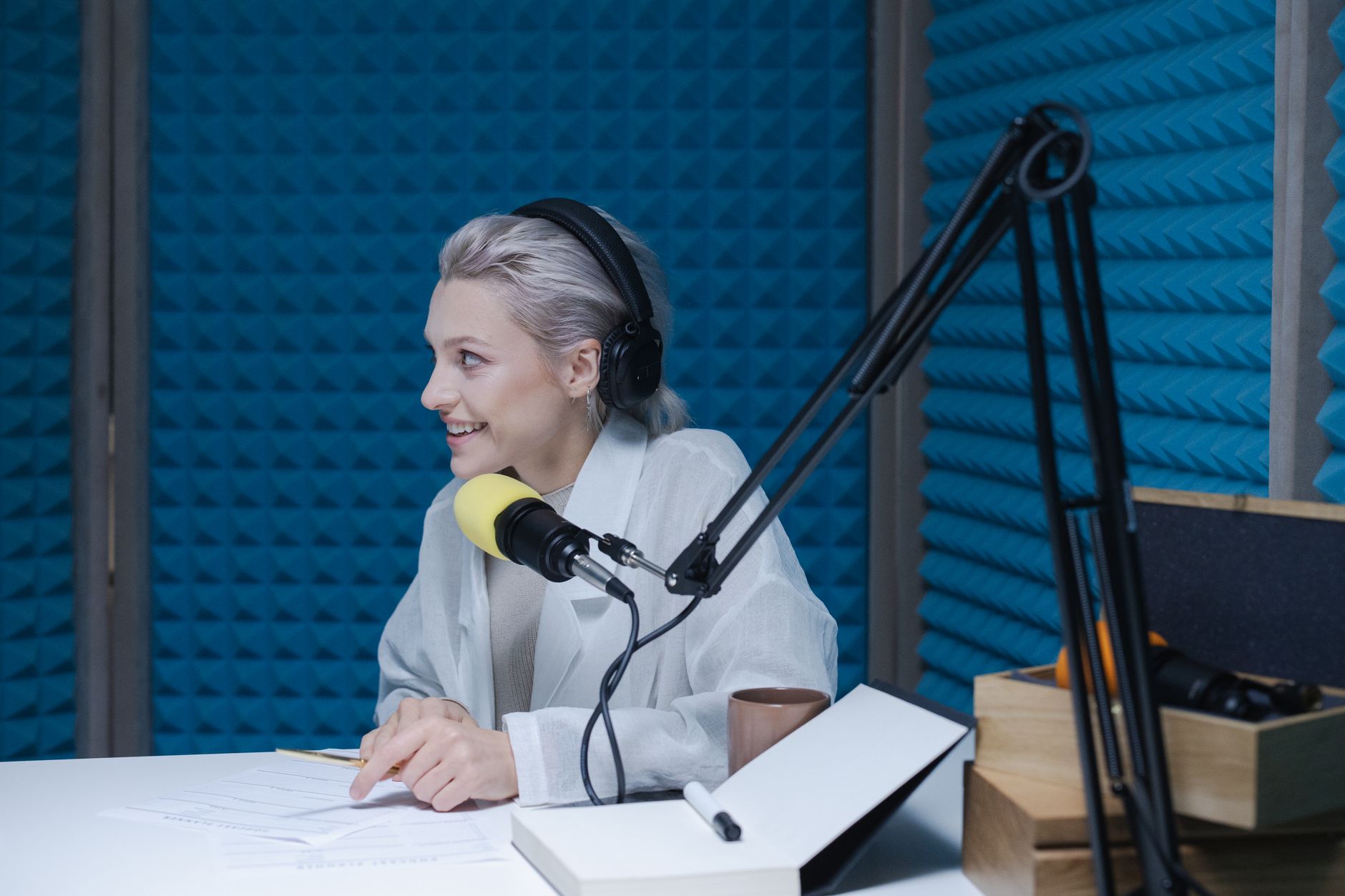
AI tools for podcasters automate transcription, generate show notes and chapters, identify viral clip moments, repurpose episodes across social media, and research guests — turning a 60-minute episode into a full week of content with minimal extra effort.
Key points:
There are 4.2 million+ podcasts globally. The average independent podcaster spends 5–8 hours producing each episode — recording represents only 20–30% of that time. The rest is editing, transcription, show notes, social clips, and promotion. AI cuts post-production time by 60–70%.
| Production Task | Manual | With AI |
|---|---|---|
| Transcription (60 min episode) | 3–4 hours | 5–8 minutes |
| Show notes + summary | 45 minutes | 5 minutes |
| Chapter markers | 20 minutes | Auto-generated |
| Social media clips | 60+ minutes | 15 minutes |
| Guest research briefing | 30–45 minutes | 5 minutes |
| Email newsletter from episode | 45 minutes | 10 minutes |
Descript — All-in-one podcast editing + AI transcription. Edit audio by editing text. AI removes filler words, silences, and background noise. Auto-generates chapters and show notes.
Riverside.fm AI — Record remote interviews in studio quality + AI transcription + video clip generation. Identifies key moments and creates social-ready clips with auto-captions.
Assisters.dev — Generate show notes, episode summaries, newsletter copy, social media posts, and guest research briefs. Feed it the transcript or episode topic for custom AI content output.
Podcastle — AI audio enhancement, remote recording, and automated transcription. AI voice cloning allows you to correct spoken mistakes in post by typing corrections.
Opus Clip — AI video repurposing tool. Input your full episode (video format), and Opus Clip identifies the top 10 viral-worthy moments and generates captioned short-form clips for YouTube Shorts, TikTok, and Instagram Reels.
Cleanvoice — Specialized AI for audio cleanup: removes filler words ("um", "uh", "like"), mouth clicks, and background noise from podcast recordings automatically.
Ausha — Podcast hosting with integrated AI tools: auto-transcription, SEO chapter generation, and cross-platform distribution to 22+ podcast directories simultaneously.
| Tool | How It Integrates with Podcast Workflow | Free? | Best For |
|---|---|---|---|
| Descript | Upload audio/video → edit by text | Freemium | All-in-one editing + transcription |
| Riverside.fm AI | Web-based recording + AI post | Paid | Remote recording + clips |
| Assisters.dev | Paste transcript → get content | Free tier | Show notes, social, newsletter |
| Opus Clip | Upload episode video → clips | Freemium | Viral clip creation |
| Cleanvoice | Upload audio → cleaned download | Freemium | Audio cleanup |
| Podcastle | Web-based recording + AI | Freemium | Voice quality + transcription |
| Ausha | Hosting + AI + distribution | Paid | All-in-one hosting + AI |
Record and auto-transcribe. Use Descript or Riverside.fm to record your episode. Transcription happens automatically as you upload. Review the transcript in 5 minutes, fix any names or technical terms the AI missed.
Generate show notes with Assisters.dev. Copy the transcript into Assisters.dev with this prompt: "You are a podcast editor. Create show notes for this episode including: 1) 3-sentence episode summary, 2) key topics covered (bullet list), 3) 5 timestamps with chapter titles, 4) 3 key takeaways, 5) guest bio (if applicable)."
Remove filler words with Cleanvoice. Upload your audio file to cleanvoice.ai. Select "Remove filler words" and "Remove silence gaps." Download the cleaned file. This step alone saves 5–10 minutes of manual editing per episode.
Create social clips with Opus Clip. Upload your episode video to Opus Clip. It analyzes the full episode and returns the top 10 clips ranked by "virality score." Download the top 3, add your podcast branding, and schedule across social platforms.
Generate newsletter and social posts. Paste the show notes into Assisters.dev: "Write a 250-word email newsletter promoting this podcast episode with a compelling subject line and CTA to listen. Also write 3 LinkedIn posts and 5 tweets from the key points."
Scenario 1 — Weekly business podcast, solo host. Switched from manual post-production to Descript + Assisters.dev workflow. Total post-production time per episode dropped from 6 hours to 90 minutes. Began publishing more consistently (weekly instead of bi-weekly) due to reduced workload.
Scenario 2 — Interview show, 40 episodes/year. Added Opus Clip for social repurposing. Each episode now generates 3–5 short-form clips. YouTube Shorts channel grew to 14,000 subscribers in 6 months, driving 30% of new podcast listeners.
Scenario 3 — Tech podcast with notable guests. Used Assisters.dev for guest research: "Compile a 1-page briefing on [Guest Name] including their career history, recent public statements, and 5 potential interview questions." Pre-interview prep time cut from 45 minutes to 10 minutes.
A: Modern AI transcription (Descript, Riverside.fm) achieves 95–98% accuracy for clear speech in English. Accuracy drops for heavy accents, technical jargon, or poor audio quality. Always review the transcript for proper nouns and industry terms.
A: AI audio editing (Cleanvoice, Descript) handles filler words, silence gaps, and background noise very well. Complex edits (restructuring conversation order, removing off-topic tangents) still benefit from human judgment, but AI handles 70–80% of typical editing tasks automatically.
A: Descript's free tier (1 hour transcription/month) works for very low-volume creators. For weekly podcasters, the Creator plan (~$24/month) handles up to 10 hours of transcription/month and pays for itself in saved editing time within the first episode.
A: Upload your recorded video episode to Opus Clip. The AI identifies the best clips (usually 60–90 seconds). Add auto-captions (Opus Clip does this automatically), download, and upload to YouTube Shorts. For long-form YouTube, Descript exports a full video with chapter markers automatically.
A: Yes. Consistent AI-powered social repurposing (clips + posts + newsletters) dramatically extends reach. AI also helps with SEO: Assisters.dev can write keyword-optimized episode titles and descriptions that rank in podcast search and Google.
A: Descript. It handles transcription, editing, show notes generation, and video creation in one tool. The time savings on transcription alone justify the cost within the first month.
AI turns podcast production from a part-time job into a streamlined system. Start with transcription (Descript or Riverside.fm), add show notes generation via Assisters.dev, and gradually automate social repurposing with Opus Clip.
Explore AI writing tools for your podcast at https://assisters.dev and find more creator guides at https://www.misar.blog.
2026 AI content creation statistics: adoption by marketers, quality benchmarks, SEO impact, and ROI data from HubSpot, Content Marketing Ins…

The AI Assistant Creator Economy Explained

By 2026, AI chatbots won’t just be tools—they’ll be revenue streams. If you’re a creator, coach, consultant, or small business owner, an AI…








Comments
Sign in to join the conversation
No comments yet. Be the first to share your thoughts!