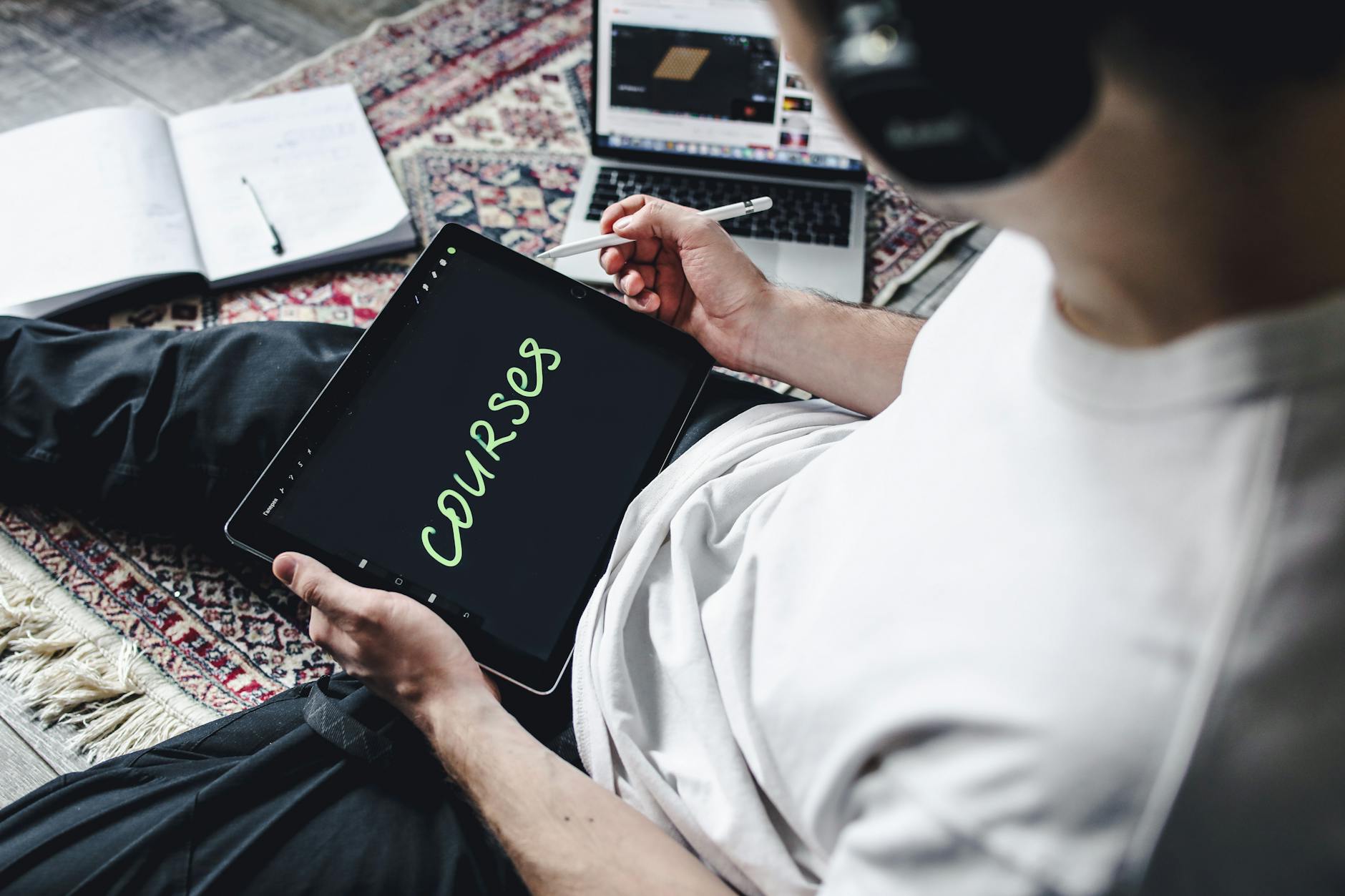
To create an online course with AI in 2026:
Creating a quality online course used to take 3–6 months minimum — research, scripting, recording, editing, designing, and marketing. AI compresses every phase, with creators reporting full course launches in 3–6 weeks without sacrificing quality.
Key stats:
Before vs. After AI:
| Course Stage | Without AI | With AI |
|---|---|---|
| Topic validation research | 2 weeks manual | 3 hours with Perplexity + SparkToro |
| Curriculum design (20 lessons) | 3–5 days | 4–6 hours |
| Lesson script writing | 1 hour per lesson | 15–20 min per lesson |
| Video editing (1 hour content) | 6–8 hours | 90 minutes with Descript |
| Launch email sequence | 2 days writing | 3 hours with AI |
Tools: Perplexity AI, SparkToro, Google Trends, Udemy
Before building anything, validate that people will pay for your course:
Step 1: Identify the pain point Use Perplexity to research: "What are the most common frustrations people have when learning [your topic]?" and "What questions do [your audience] ask most about [your topic]?"
Step 2: Validate market size Check Udemy and Teachable for similar courses. If top courses in your niche have 1,000+ students at $99+, the market exists. Look for courses with high enrollment but poor reviews — that's your opportunity gap.
Step 3: Define a specific outcome The best courses promise a specific, measurable transformation: "Go from zero to first client in 30 days" beats "Learn freelancing basics." Use AI to refine your positioning statement.
Tools: Claude via assisters.dev, Notion AI
Run this structured prompt:
I'm creating an online course: "[Your Course Title]"
Target student: [describe your ideal student]
Desired outcome: [what they will achieve after completion]
Prior knowledge assumed: [beginner/intermediate/advanced]

Create a complete course curriculum with:
- 5–7 modules
- 3–5 lessons per module
- Learning objective for each lesson
- Estimated duration per lesson (5–15 min ideal)
- One practical exercise per module
- Course structure should follow: awareness → understanding → application → mastery
Review, refine, and save to Notion. This becomes your production bible.
Tools: Claude, Jasper, Notion AI
For each lesson:
Tip: Record yourself talking through the lesson naturally first, then use that transcript as the basis for the script. This keeps your voice authentic.
Tools: Descript, Riverside.fm, Loom, CapCut AI
Recording:
Editing with Descript:
For B-roll and visual interest, CapCut AI generates relevant animations and transitions automatically.
Tools: Canva AI, Beautiful.ai, Tome
Workbooks and PDFs: Canva AI generates workbook templates from a content brief. Describe what the workbook should help students do and it creates a branded, fillable PDF template.
Slide decks: Beautiful.ai creates professional course slide templates from your lesson outline. For summary slides at the end of each lesson, Tome generates concise visual recaps automatically.
Quizzes: Typeform's AI generates quiz questions from lesson content automatically. Paste your lesson transcript and select question type — it produces relevant multiple-choice and short-answer questions.
Tools: Teachable, Kajabi, Thinkific, Podia
Choose your platform based on your needs:
| Platform | Best For | Revenue Share | AI Features |
|---|---|---|---|
| Teachable | Beginners | 0% on paid plans | Course builder AI |
| Kajabi | All-in-one marketing + course | 0% | Email + funnel AI |
| Thinkific | Communities + courses | 0% | Quiz AI |
| Podia | Simple, affordable | 0% | Email AI |
Upload your videos, attach workbooks, and configure your quiz flow. Most platforms auto-generate course previews and structured landing page templates.
Tools: Jasper, Beehiiv, Buffer, Canva AI
Pre-launch (2 weeks before):
Launch week:
Post-launch:
| Week | Focus | Key AI Tools |
|---|---|---|
| Week 1 | Research + Curriculum | Perplexity, Claude |
| Week 2 | Script Writing | Claude, Jasper |
| Week 3 | Recording | Riverside.fm, Loom |
| Week 4 | Editing + Materials | Descript, Canva AI |
| Week 5 | Platform Setup + Launch Prep | Teachable/Kajabi, Jasper |
| Week 6 | Launch | Buffer, Beehiiv, Canva AI |
Creating an online course with AI in 2026 is a 6-week project, not a 6-month one. The tools exist to compress every phase from research to launch — and the online education market rewards creators who ship and iterate over those who perfect in private.
Build your course production workflow with AI tools at assisters.dev or explore more creator economy guides at misar.blog.
2026 AI content creation statistics: adoption by marketers, quality benchmarks, SEO impact, and ROI data from HubSpot, Content Marketing Ins…

The AI Assistant Creator Economy Explained

By 2026, AI chatbots won’t just be tools—they’ll be revenue streams. If you’re a creator, coach, consultant, or small business owner, an AI…










Comments
Sign in to join the conversation
No comments yet. Be the first to share your thoughts!