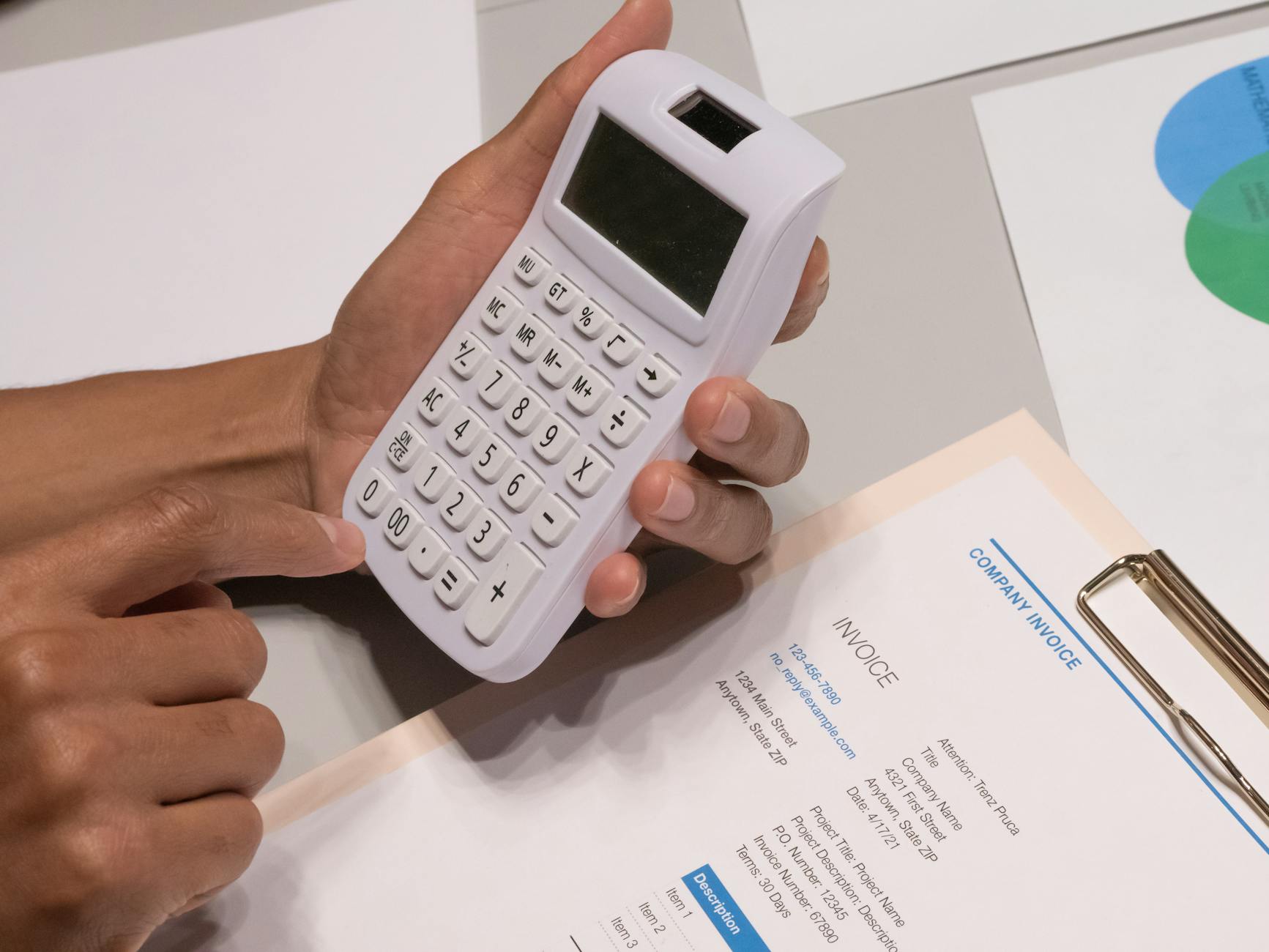
AI automates bookkeeping by scanning receipts, categorizing transactions by learned vendor rules, and flagging anomalies — reducing monthly close from days to hours.
Connect all bank and credit card accounts. Live feeds into QuickBooks/Xero. Daily transaction sync.
Set up receipt capture. Forward email receipts to dedicated address, snap photos in mobile app. AI extracts vendor, amount, tax, and category.
Configure AI transaction rules. QuickBooks Bank Rules + Xero's AI learn from your corrections. After 90 days, 85-95% of transactions auto-categorize correctly.
Use corporate card with AI. Ramp and Brex auto-categorize with built-in spend controls. Replaces expense reports.
Automate invoice matching. AI matches vendor invoices to POs and bank transactions. Flags mismatches.
Run AI close checklist. Monthly: reconcile accounts, review uncategorized, AI-generated P&L and cash flow. Reduce close to 2-3 hours.
Prep taxes year-round. AI categorizes by IRS category. Year-end export to CPA takes minutes.
| Tool | Best For | Price |
|---|---|---|
| QuickBooks Online | US SMB gold standard | From $30/mo |
| Xero | International SMB | From $15/mo |
| Ramp | Corporate card + AI expenses | Free |
| Dext | Receipt capture AI | From $24/mo |
| Bench | AI + human bookkeeper | From $249/mo |
AI bookkeeping in 2026 is production-ready. Most SMBs save $1,000-$2,500 per month automating. Connect feeds, capture receipts, let AI categorize, review monthly. Hire a bookkeeper only for oversight and strategy.
It's tempting to dive headfirst into complex architectures when building a RAG chatbot—vector databases, fine-tuned embeddings, and retrieva…

Practical ai text generator free guide: steps, examples, FAQs, and implementation tips for 2026.

Practical ai story generator free unlimited guide: steps, examples, FAQs, and implementation tips for 2026.







Comments
Sign in to join the conversation
No comments yet. Be the first to share your thoughts!