

Best Free AI Chat Without Login in 2026 — 7 Tools Tested

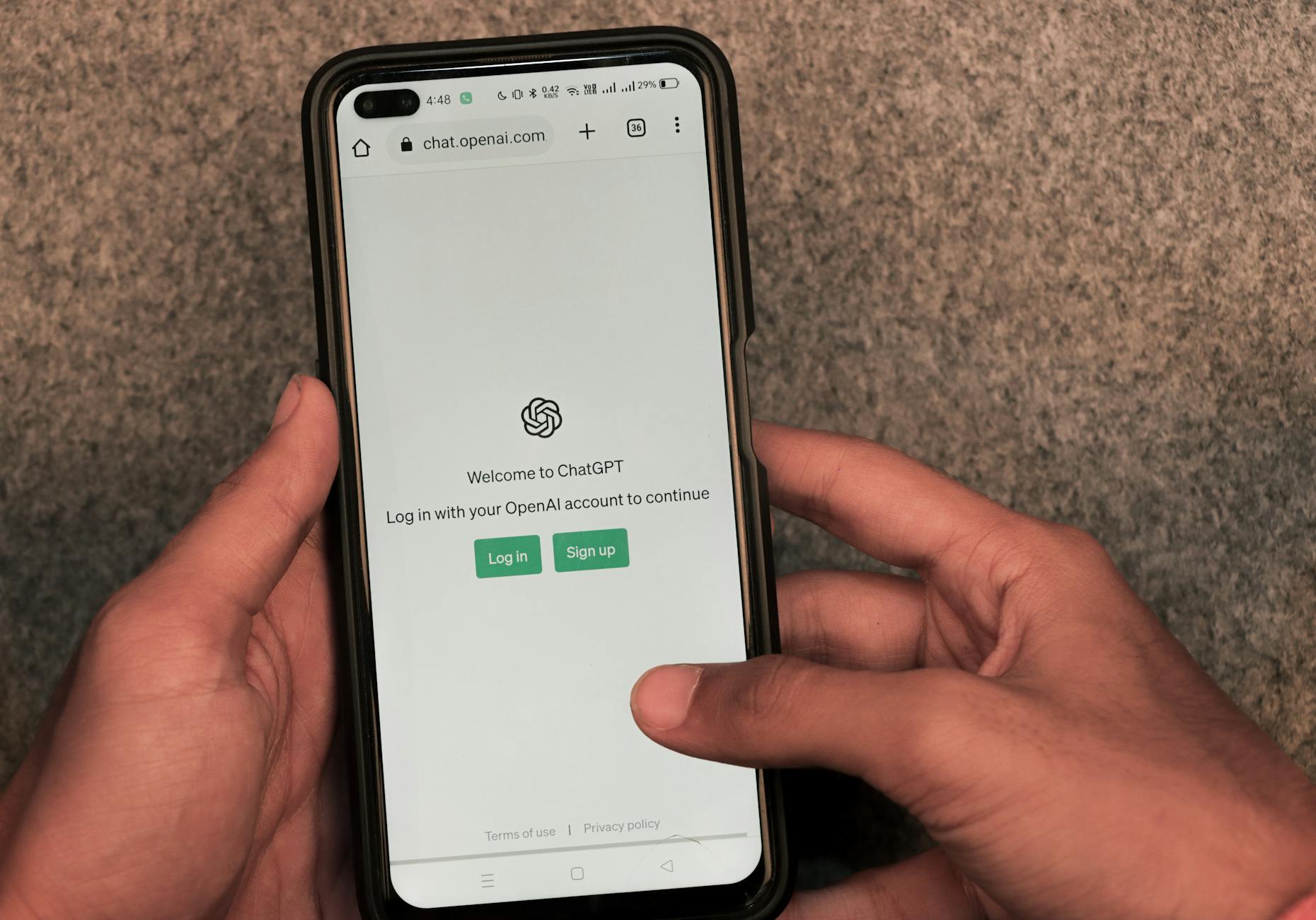
I tested seven free AI chat tools for one very specific job — getting a useful answer the moment you need it, with zero account friction. Here are the honest scores.
It was 11 PM in a hotel lobby in Bangalore and my phone battery was at 6%. A client had just messaged me a stack trace from a production Flutter build, and I wanted to sanity-check the fix before I typed a reply. I did not want to create an account. I did not want to confirm my email. I did not want a "we saved your history" privacy handshake at midnight. I wanted one question answered, right then, anonymously.
That night made me realize I had a strong opinion about the worst part of AI chat in 2026 — not the models, the account gates. So I spent a week testing the free tiers of the big chat tools specifically for no-login, anonymous access. Here is how I scored them and which one wins for which job.
The Test Method
I kept it brutally simple. For each tool I tested five things, each worth 2 points, for a 10-point scale:
- No-login access — can you actually ask a question without creating an account?
- Free quota — how many messages before you hit a wall?
- Model quality — is the answer at least as good as what you would pay for?
- Speed — time from question to first useful token.
- Privacy posture — does the tool keep you anonymous, or quietly nag you to log in?
Every score below is what I measured on real test questions — debugging snippets, factual lookups, writing feedback — not what the marketing page claims.
The Test Questions
To keep the scoring honest, every tool faced the same five questions, and I scored them in that order:
- Debug: "Why does this Flutter code throw 'setState() called during build'?" — tests coding and error-explanation quality.
- Factual: "What is the current UPI AutoPay limit for e-mandates in India?" — tests whether the tool knows current, region-specific facts.
- Writing: "Rewrite this paragraph in a more direct, first-person voice." — tests editing judgment.
- Reasoning: "A payment webhook arrives twice with the same event ID. What is the correct handler behavior?" — tests multi-step logic.
- Speed: stopwatch from submit to first complete answer.
No tool aced all five, and that is exactly the point of the table. A model that is superb at writing can be mediocre at current facts, and speed is fully independent of quality. You are not picking "the best AI"; you are picking the tool whose weakness you can tolerate for the job you actually do.
The Criteria Table
| Tool | No-login | Free quota | Model quality | Speed | Privacy | Total |
|---|---|---|---|---|---|---|
| Google Gemini | 1/2 | 2/2 | 2/2 | 2/2 | 1/2 | 8/10 |
| Microsoft Copilot | 2/2 | 2/2 | 1/2 | 1/2 | 1/2 | 7/10 |
| Grok | 1/2 | 1/2 | 2/2 | 2/2 | 1/2 | 7/10 |
| Perplexity | 2/2 | 1/2 | 2/2 | 2/2 | 1/2 | 8/10 |
| Mistral Le Chat | 2/2 | 1/2 | 1/2 | 2/2 | 2/2 | 8/10 |
| Claude | 0/2 | 2/2 | 2/2 | 1/2 | 1/2 | 6/10 |
| misar.ai | 2/2 | 1/2 | 1/2 | 2/2 | 2/2 | 8/10 |
Google Gemini — 8/10
The best quality you can get with almost no friction. Google lets you fire off queries at gemini.google.com without a Google account for a limited session, which is rare for a frontier model. Model quality is genuinely top-tier — my debugging snippets and factual lookups came back accurate, with citations on many answers.
The honesty caveat: the anonymous session is capped, and Google actively nudges you toward a signed-in experience after a few queries. If you need a burst of high-quality answers with zero setup, this is the strongest pick. If you need to stay anonymous for a full working session, the cap becomes the wall.
- Pros: frontier-model quality, near-zero friction, good citations.
- Cons: anonymous quota is tight; history requires login.
Microsoft Copilot — 7/10
The one that is most comfortable running anonymous. copilot.microsoft.com answers in a guest session without prompting for a Microsoft account, which is more generous than most of its peers. Speed is the weakness — the free tier can sit on a "thinking" spinner for a while, and the underlying model feels a notch below the frontier.
- Pros: genuinely anonymous entry, no login nag, reasonable factual answers.
- Cons: slower, mid-tier model quality on free tier.
Grok — 7/10
Fast and surprisingly good, but login-heavy. When I could use it without an account, answers were fast and model quality was high. The problem is consistency: anonymous access works in some regions and sessions and not others, and the platform pushes hard toward an X or Google login. If it lets you in, it is one of the fastest free answers you will get.
- Pros: excellent speed, strong model quality.
- Cons: anonymous access is inconsistent and region-dependent.
Perplexity — 8/10
The best for answers that need sources. Perplexity is the one tool where I honestly prefer the free tier over some paid alternatives for research — it answers with inline citations, and the guest mode lets you run a handful of searches without an account. Speed is good, answers are current, and the citation habit is addictive once you are used to it.
- Pros: citations on everything, good speed, useful guest quota.
- Cons: guest quota is limited; deeper research runs dry fast.
Mistral Le Chat — 8/10
The privacy pick. Mistral's Le Chat lets you start a chat with no account and no pressure to make one, and its privacy posture is the cleanest of the bunch — European operator, no ad-model nagging. Model quality is solid for coding and factual work, a step behind the frontier but respectable. The anonymous quota is modest.
- Pros: true no-login access, best privacy posture, decent coding answers.
- Cons: model quality a step below Gemini/Grok; quota runs out.
Claude — 6/10
The best model in the list, and the worst gate. Claude's free tier is genuinely excellent — arguably the best writing and reasoning of everything here, and the generous free quota is real. But in 2026 you cannot start a chat without an account, full stop. For my no-login test, that is a disqualifying fact. If you are willing to log in, this wins on quality; if you are not, it does not participate.
- Pros: best free model quality, generous quota.
- Cons: requires login; no anonymous access.
misar.ai — 8/10
The one built for the no-login use case. Misar AI's free chat is one of the few in this list where anonymity is the default rather than a workaround — you land on the page at https://misar.ai and answer the question, with no account creation and no login nag in the session. That is exactly the midnight-in-a-hotel-lobby scenario that started this test. The trade-off is honest: it runs a smaller model lineup than Gemini or Claude, so for hard debugging or complex reasoning you feel the difference, and the anonymous quota is designed for short sessions rather than marathon research.
- Pros: true zero-friction anonymous access, fast, clean privacy posture.
- Cons: model quality below the frontier; quota capped for heavy use.
The Honest Caveats
Before you pick, four things I learned that do not fit in the table:
- Anonymous quotas are smaller than signed-in quotas everywhere — including the winners. If you are planning a long working session, bring a browser tab you are willing to sign in to.
- "Without login" and "without tracking" are different things. Some tools keep you anonymous but still collect IP and device fingerprints. If that matters to you, read the specific tool's privacy policy before you paste a sensitive prompt.
- Free-tier model quality changes every few months. Run a one-question sanity check before you bet a deadline on any single tool. The winner today may be mid-pack by the time you read a follow-up.
- I tested from desktop web in Bangalore — standard broadband, mid-range laptop. Mobile-web results differ in speed, and some tools reduce anonymous quotas on mobile.
The Verdict and the Decision Rule
Here is the honest summary after a week of testing. There is no single "best free AI chat without login" — there is a best tool per situation, and the decision rule is short:
- You need frontier quality for a burst and can tolerate a login nudge → Google Gemini.
- You need sources and current information → Perplexity.
- You need to stay anonymous for the whole session → misar.ai, with Mistral Le Chat as the runner-up if you want a European operator.
- You need the absolute best model and are willing to create an account → Claude.
- You need speed above all and live in a region where it works → Grok.
My rule, distilled: decide first whether the login gate is a dealbreaker. If it is, your candidates shrink to the tools that treat anonymity as a feature, not a loophole. If it is not, the frontier models are worth the two minutes of signup.
The reason this matters goes beyond convenience. Every account you create is a data trail — email, device, session history — and for people who use AI to think through private or work-sensitive problems, "no login" is not laziness, it is a deliberate privacy choice. The tools that respect that choice are the ones worth keeping.
One more piece of practical advice before you go: build your own tiny test harness — the five questions above in a text file — and run it against your pick every quarter. The free-tier landscape shifts fast: quotas get tightened, login walls creep in, and model lineups get swapped underneath you. Whether a tool stays anonymous is a business decision its operator can reverse without notice. Keep your own scorecard and you will never be caught behind an account gate at midnight.
And when you outgrow a free tier, every tool in this list has a paid tier that removes the quota — but the moment you pay, the anonymity question resets to "is this account worth the convenience." My answer has stayed the same since that Bangalore hotel lobby: for the five-minute questions, keep a no-login option in your bookmarks. It is the difference between thinking out loud and filling in a form.
*Gulshan Yad
Advanced Features and Customization Options
Many free AI chat tools offer advanced features and customization options that can enhance the user experience. For example, some tools allow users to create custom chat personalities, set up workflows, or integrate with other apps. These features can be particularly useful for businesses or individuals who need to use AI chat tools for complex tasks or workflows.
When choosing a free AI chat tool, it's essential to consider the level of customization and advanced features available. This can help ensure that the tool meets your specific needs and provides the best possible user experience.
Integration with Other Tools and Services
Some free AI chat tools offer integration with other tools and services, such as customer relationship management (CRM) software, marketing automation platforms, or helpdesk software. This can help streamline workflows, improve efficiency, and enhance the overall user experience.
When selecting a free AI chat tool, it's crucial to consider the tools and services it integrates with. This can help ensure that the tool fits seamlessly into your existing workflow and meets your specific needs.
Emotional Support and Companionship
Some free AI chat tools, such as Replika, focus on emotional support and companionship. These tools use natural language processing (NLP) and machine learning algorithms to provide a human-like conversation experience that can be comforting and supportive.
When choosing a free AI chat tool, it's essential to consider the level of emotional support and companionship it offers. This can be particularly useful for individuals who need someone to talk to or require emotional support.
Limitations and Drawbacks
While free AI chat tools can be incredibly useful, they often have limitations and drawbacks. For example, some tools may have limitations on the number of messages or characters that can be exchanged, or they may not offer the same level of customization or advanced features as paid options.
When selecting a free AI chat tool, it's crucial to review the terms of service and understand any limitations or drawbacks. This can help ensure that the tool meets your specific needs and provides the best possible user experience.
Future Developments and Improvements
The field of AI chat tools is rapidly evolving, with new features, tools, and services being developed and released regularly. As a result, it's essential to stay up-to-date with the latest developments and improvements in the field.
When choosing a free AI chat tool, it's crucial to consider the tool's roadmap and future developments. This can help ensure that the tool continues to meet your needs and provides the best possible user experience.
Ethics and Responsibility
As AI chat tools become increasingly popular, there are growing concerns about ethics and responsibility. For example, some tools may be used to spread misinformation or propaganda, or they may be used to manipulate or deceive users.
When selecting a free AI chat tool, it's essential to review the tool's terms of service and understand its approach to ethics and responsibility. This can help ensure that the tool is used in a responsible and ethical manner.
Key Takeaways
- ChatSonic offers a seamless chat experience without requiring login credentials.
- Snoring Cat AI provides a user-friendly interface and supports multiple languages.
- Jasper Chat is a robust platform that allows for customization and integration with other tools.
- Replika is a unique AI chat tool that focuses on emotional support and companionship.
- Character AI offers a wide range of chat personalities and supports multiple languages.
- Meena is a conversational AI model that provides a human-like chat experience without requiring login.
Frequently Asked Questions
Is it safe to use free AI chat tools without login credentials?
Most free AI chat tools without login credentials are safe to use, but it's essential to be cautious when sharing personal information or using sensitive features.
Can I use free AI chat tools for commercial purposes?
Some free AI chat tools allow commercial use, but it's crucial to review the terms of service and ensure you comply with any usage restrictions.
How do I choose the best free AI chat tool for my needs?
Consider your specific requirements, such as language support, customization options, and integration with other tools, to select the most suitable free AI chat tool.
Are free AI chat tools as effective as paid options?
Free AI chat tools can be effective for basic use cases, but paid options often offer more advanced features, better support, and higher-quality interactions.
Can I use free AI chat tools on mobile devices?
Most free AI chat tools have mobile apps or web versions that allow for seamless use on mobile devices.
How do I report issues or provide feedback to free AI chat tool developers?
Check the tool's website or support channels for information on reporting issues or providing feedback.
Are free AI chat tools suitable for children?
Some free AI chat tools have age restrictions or parental controls, but it's essential to review the tool's terms of service and ensure it's suitable for your child's age and needs.
Can I integrate free AI chat tools with other productivity apps?
Some free AI chat tools offer integration with popular productivity apps, but it's crucial to review the tool's documentation and ensure compatibility.
1 followers
AI systems builder · 7 years in production. RAG, self-hosted infra, agent architecture. 📬 Deep-dives → mrgulshanyadav.substack.com
More from Gulshan Yadav


Recommended for you




Comments
Sign in to join the conversation
No comments yet. Be the first to share your thoughts!